


Description
Download News Explorer – Free Secure News Reader for iOS & macOS
Overview
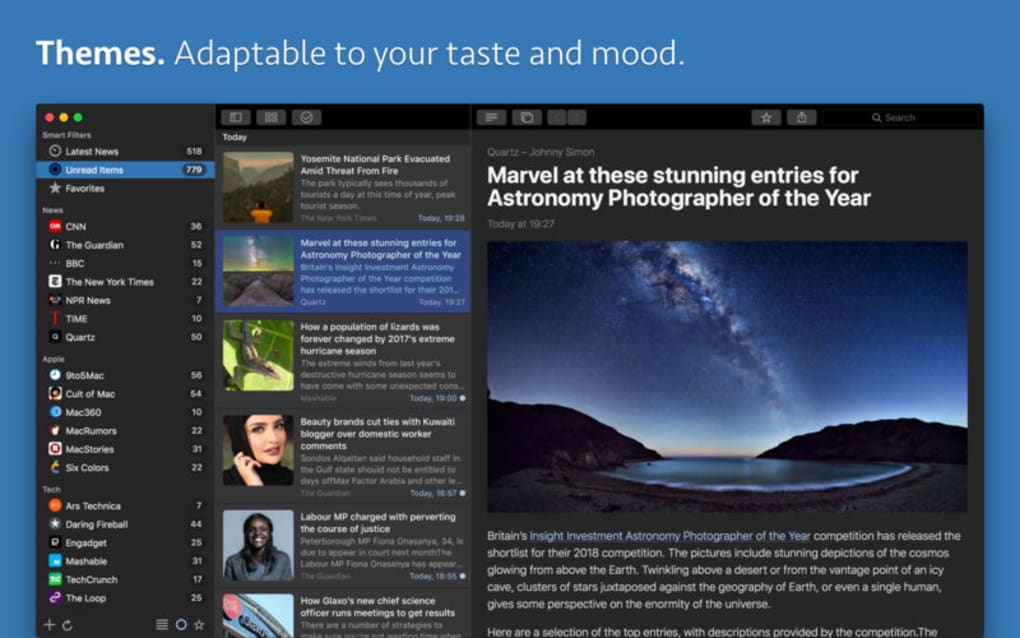
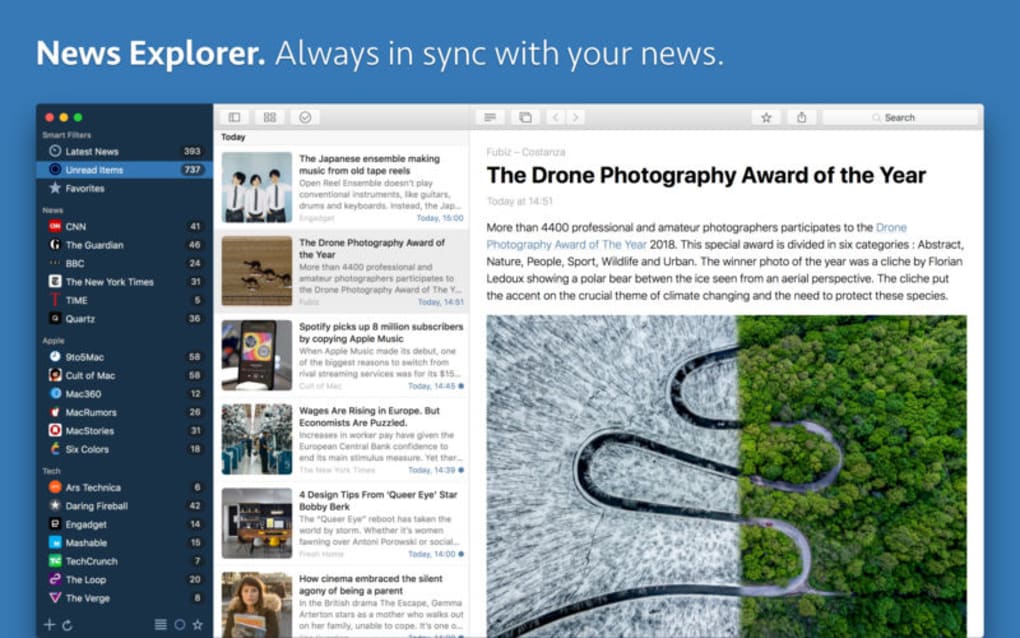
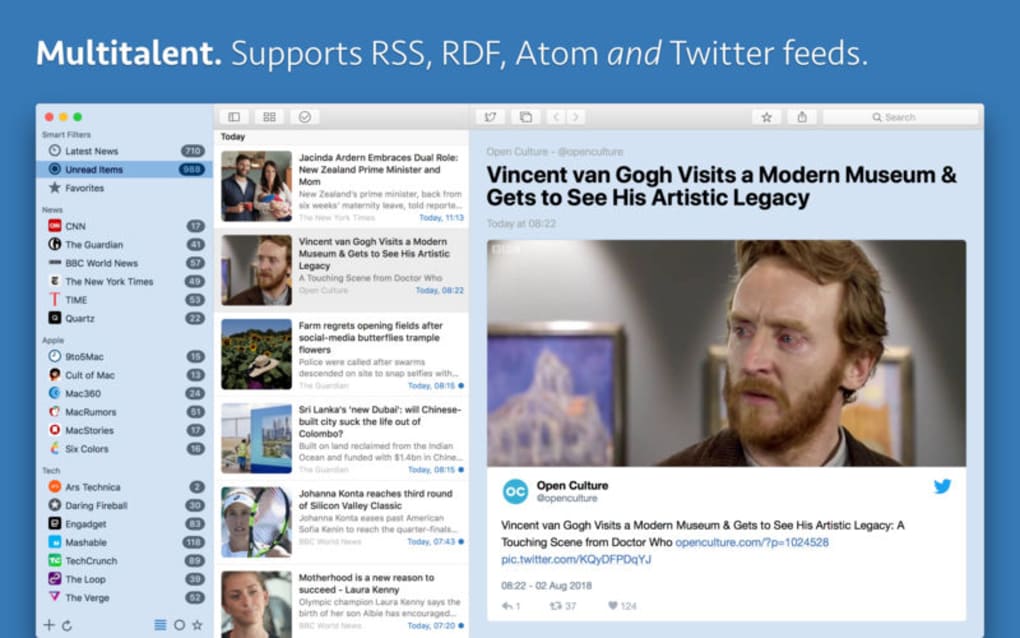
News Explorer is a complete, feature‑rich news reader app designed for Apple enthusiasts who want a seamless, distraction‑free way to stay up‑to‑date with the latest headlines. Built around a clean, modern interface, the app brings together JSON, RSS, Atom, and even Twitter streams into one unified feed, allowing you to browse articles without juggling multiple tabs or browsers. What truly sets News Explorer apart is its iCloud‑based synchronization. All your subscriptions, folder structures, favorite articles, and read‑status flags travel with you across every iPhone, iPad, and Mac you own—no extra login, no third‑party account, just the power of Apple’s secure cloud. The reading experience is highly customizable: you can adjust thumbnail alignment and size, switch between light, dark, and mood‑based themes, and even tailor font sizes for optimal readability. Whether you’re a casual reader who checks the news over morning coffee or a power user tracking dozens of niche feeds, News Explorer offers a balanced mix of simplicity and depth. The app is free to download, receives regular updates, and respects your privacy by keeping data encrypted in iCloud. In short, it’s a secure, fast, and visually appealing tool that transforms the way you consume news on iOS, iPadOS, and macOS.
Key Features
- Universal iCloud Sync: Automatic synchronization of subscriptions, folders, read status, and favorites across all Apple devices.
- Multi‑Source Support: Import feeds from JSON, RSS, Atom, and Twitter without needing separate apps.
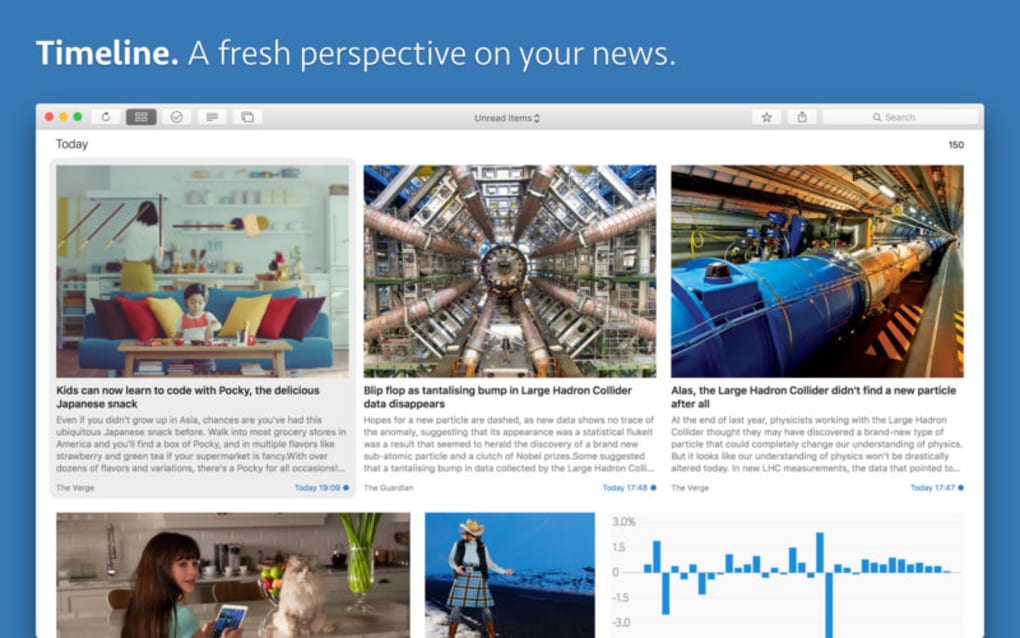
- Customizable Layout: Adjustable thumbnail sizes, alignment options, and multiple theme choices (light, dark, mood‑based).
- Offline Reading: Cache articles for later consumption when you’re offline or on a low‑bandwidth connection.
- Secure Privacy: All data stored in iCloud is encrypted, eliminating the need for third‑party logins.
- Smart Notifications: Optional push alerts for breaking news from your most important sources.
- Search & Filter: Powerful search bar and filter options to quickly locate articles by keyword, date, or source.
- Automatic Updates: Frequent app updates that add new features, improve performance, and keep the UI fresh.
- Read‑Later List: Save articles to a dedicated “Read Later” folder for future reference.
- Dark Mode Optimization: Native support for macOS and iOS dark mode, reducing eye strain during night‑time reading.
Installation & Usage Guide
Step‑by‑Step Installation
Downloading News Explorer is straightforward. Open the App Store on your iPhone, iPad, or Mac, search for “News Explorer,” and click the Get button. The app is free, and the download size is under 50 MB, making it quick even on slower connections. Once installed, launch the app and grant it permission to access iCloud—this is essential for the sync features to work.
Initial Setup
When you first open News Explorer, you’ll be greeted with a brief onboarding wizard. The wizard walks you through adding your first feed. You can paste a URL for an RSS, Atom, or JSON feed, or simply sign in to your Twitter account to pull in timelines. After adding a few sources, the app automatically creates a default folder structure (e.g., “Technology,” “World,” “Favorites”). You can rename, reorder, or delete folders at any time using the long‑press gesture on iOS or right‑click on macOS.
Daily Usage Tips
To stay organized, use the star icon to mark articles as favorites. These will appear in the “Favorites” folder across all devices. The Read Later button is perfect for saving long‑form pieces you plan to tackle later. Adjust thumbnail size via Settings → Display to either a compact grid or a spacious list view, depending on your reading preference. If you enjoy a specific visual mood, switch themes in Settings → Appearance; the app remembers your last selection. Finally, enable push notifications for high‑priority feeds to ensure you never miss breaking news.
Compatibility
News Explorer runs natively on iOS 15 and later, iPadOS 15 and later, and macOS 12 Monterey or newer. The app is optimized for both Apple Silicon and Intel Macs, delivering smooth scrolling and fast loading times. While the primary focus is Apple platforms, the underlying feed parsing engine is built with cross‑platform standards, meaning future Windows or Android versions could be added without major redesign.
Pros and Cons
Pros
- Free to download with regular feature‑rich updates.
- Seamless iCloud sync eliminates the need for extra accounts.
- Supports multiple feed formats (RSS, Atom, JSON, Twitter).
- Highly customizable UI with themes and thumbnail options.
- Offline caching ensures you can read articles without internet.
- Secure, encrypted data storage respects user privacy.
- Smart notifications keep you informed about breaking news.
- Dark mode native support reduces eye strain.
Cons
- Currently limited to Apple devices; no native Windows or Android app.
- Advanced filter options could be more granular for power users.
- No built‑in social sharing beyond basic copy‑link functionality.
- Initial onboarding may feel lengthy for users who just want a quick read.
- Some users report occasional sync delays when switching between many devices.
Overall Verdict: News Explorer delivers a polished, secure, and highly functional news reading experience for the Apple ecosystem. Its free price point, robust sync, and customization options outweigh the minor limitations, making it a top recommendation for anyone looking to consolidate their news sources in one elegant app.
Frequently Asked Questions
Is News Explorer really free?
Yes, News Explorer is completely free to download and use. All core features, including iCloud sync, offline reading, and theme customization, are available at no cost. Future premium add‑ons may be introduced, but the base app remains free.
Can I import my existing RSS feeds from another reader?
Absolutely. News Explorer supports OPML import, allowing you to transfer feeds from most popular readers such as Feedly, Reeder, or Inoreader with a single file upload.
How secure is my data in iCloud?
Your data is encrypted both in transit and at rest within iCloud. News Explorer does not store any personal information on external servers, so the only place your subscriptions and read status live is in your secure iCloud account.
Does the app work on Windows or Android devices?
Currently, News Explorer is built exclusively for iOS, iPadOS, and macOS. The development team has expressed interest in expanding to other platforms, but no official Windows or Android version exists yet.
How do I customize the reading theme?
Open Settings → Appearance, then select from Light, Dark, or Mood‑Based themes. You can also adjust accent colors and font sizes to match your personal style. Changes apply instantly across all synced devices.
Conclusion & Call to Action
News Explorer stands out as a secure, free, and highly customizable news reader that leverages iCloud to keep your information in perfect sync across every Apple device you own. Its support for multiple feed formats, offline caching, and a clean, distraction‑free UI make it an essential tool for anyone serious about staying informed without the clutter of multiple apps. While the lack of native Windows or Android support may be a drawback for mixed‑platform households, the app’s performance, privacy focus, and regular updates more than compensate for that limitation. If you’re ready to consolidate your news sources, enjoy a sleek reading experience, and keep everything securely synced, now is the perfect time to download News Explorer. Click the download button below, set up your feeds, and discover a smarter way to read the news today.
Guides & Tutorials for News Explorer
How to install News Explorer
- Click the Preview / Download button above.
- Once redirected, accept the terms and click Install.
- Wait for the News Explorer download to finish on your device.
How to use News Explorer
This software is primarily used for its core features described above. Open the app after installation to explore its capabilities.
User Reviews for News Explorer 0
No reviews found





.webp)